
How to Choose a Commercial Android TV Box for Hospitality and Signage
A hotel room television should come back to a familiar home screen after every checkout. A lobby display should still be playing the right playlist when the night shift arrives. Those two outcomes look simple on a brochure. They fall apart when the box behind the TV is a consumer stick that forgets Wi-Fi, loses HDMI after a power cut, or has no spare remote in the storeroom.
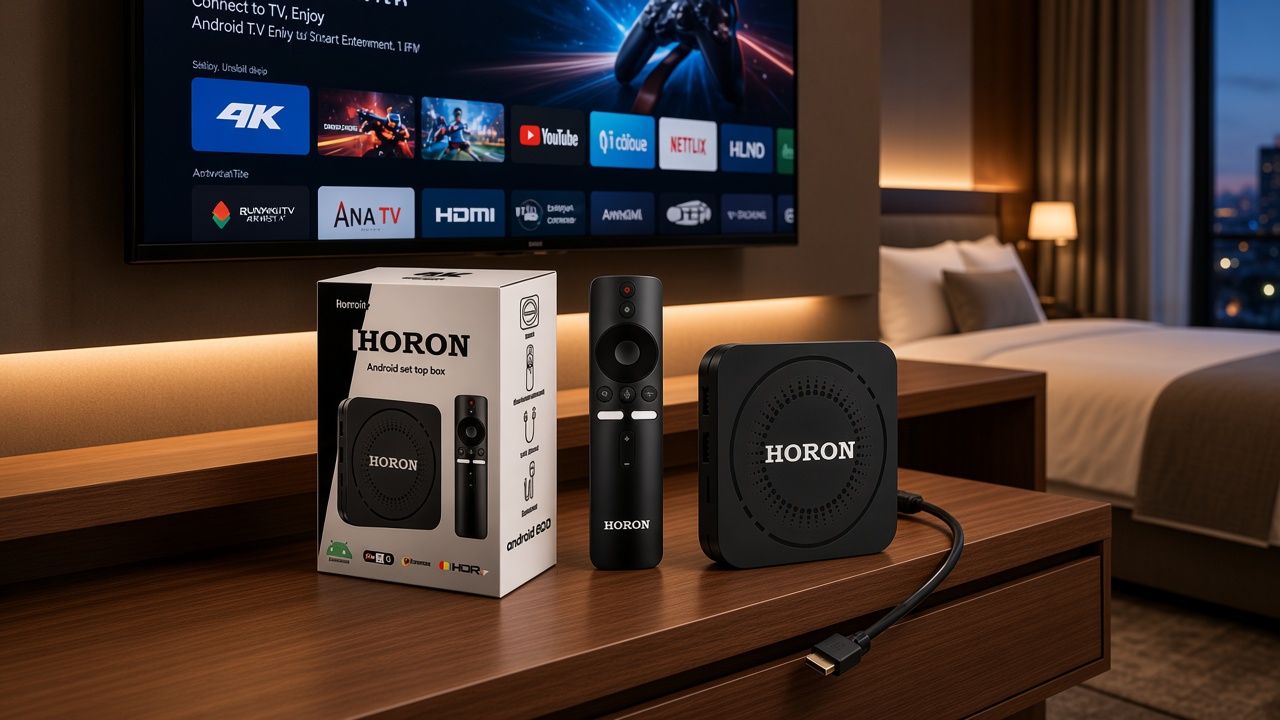
The room tells you which box you actually need
Walk the space before you open a datasheet. In a guest room the job is entertainment: apps a guest can find, a remote that pairs without a technician, dual-band Wi-Fi that survives a full floor of phones, and a picture that still looks sharp on the brand of television you already own. In a lobby or restaurant the job is quieter and stricter. The player should launch into content, stay on Ethernet if the wall allows it, and recover after the building generator tests overnight.
One catalogue can serve both jobs. One untested purchase order usually cannot. Decide the primary room first, then prove the second use on a sample instead of hoping the chipset name covers it.
What guests notice, and what engineering has to guarantee
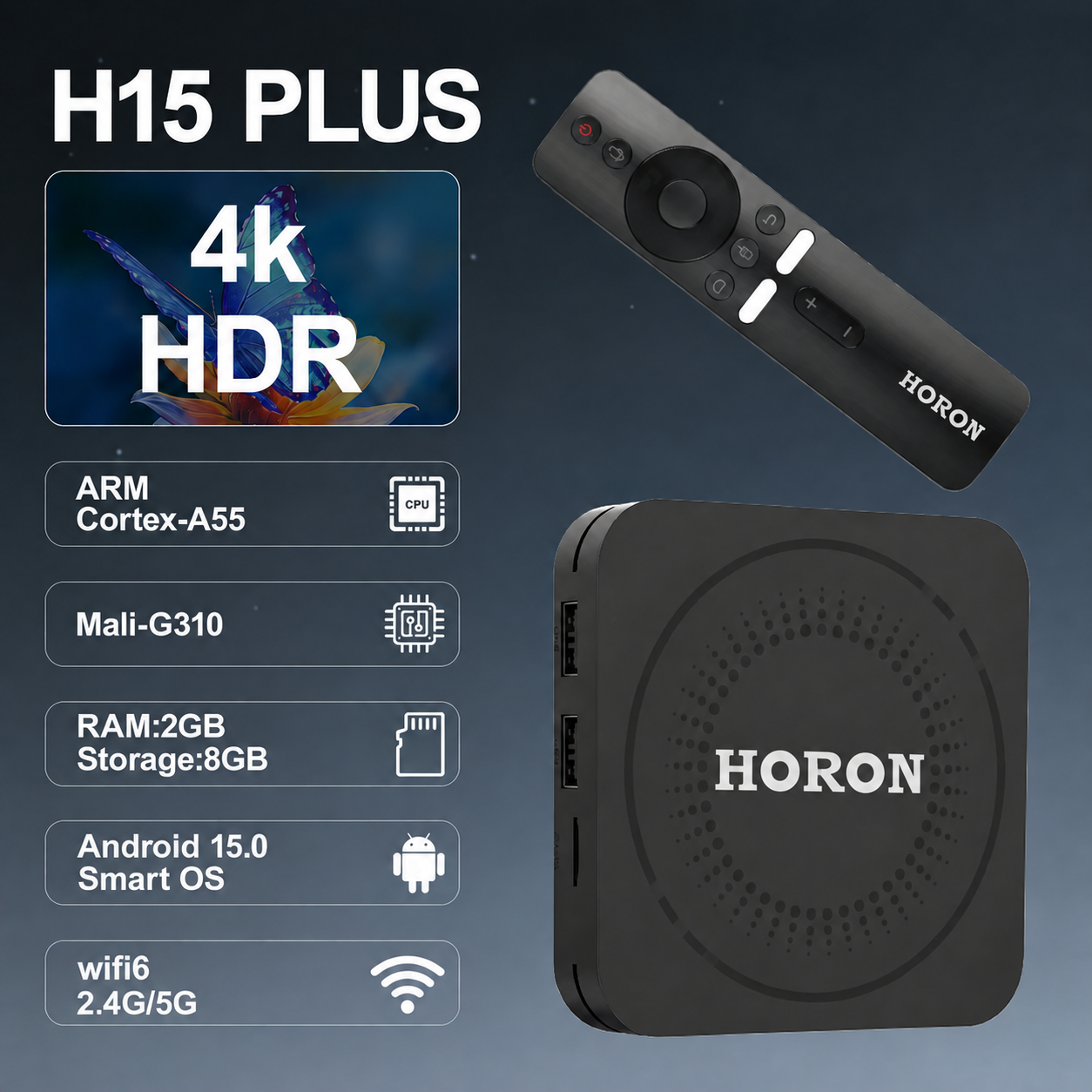
Guests never ask for Cortex cores. They notice whether the picture is 4K, whether the remote works from the bed, and whether the home screen looks current. Engineering has to guarantee the parts underneath that feeling: a current Android release such as Android 15, enough RAM for the apps you will actually leave installed (2GB is a practical commercial floor for light hospitality and player use), storage that still has room after the player app is on the device, and a network path that does not depend on a single congested 2.4 GHz channel.
The HORON H15 Plus is built around that hospitality and HDMI-player brief: private-mold chassis, H150 quad-core, 2GB RAM, dual-band Wi-Fi, Fast Ethernet, a Bluetooth voice remote and a twelve-month commercial warranty. Treat those lines as a starting conversation with your TV models and your network, not as a substitute for a pilot.
A short pilot beats a long comparison spreadsheet
Put two or three boxes on the televisions you will actually buy, on the same SSID the rooms will use. Load the guest app set or the signage player. Leave them overnight and cut power the way housekeeping does. In the morning, time how long the picture returns and whether the remote still belongs to that box. If a lobby screen is in scope, repeat the test on Ethernet with a real playlist from your signage console.
Write down three operational facts while you are there: how a room technician swaps a failed unit, where spare remotes live, and who is allowed to change the approved app list. Those notes matter more than another row of benchmark scores. If tablets or kiosks will join the same Android estate later, bring device management into the pilot so the TV box is not the only endpoint nobody can see.
Buy the operating model with the hardware
A box without a content owner, a spare pool and a warranty path is still a one-off gadget. Maram supplies commercial Android TV boxes with brochure, quotation and rollout planning so hospitality rooms and HDMI player programs share one standard instead of a drawer of mismatched sticks.
Related reading and solutions
Evaluating Android TV boxes for rooms or players?
Maram can share brochure specs, sample validation guidance and a quotation path for commercial Android box programs.
Talk to Maram