
Industrial Android Tablets for Education and Retail Fleets: Buyer Checklist
The first week of a tablet program always looks successful. Devices unbox, apps open, and someone takes a photo for the group chat. The trouble starts later: a classroom beside a window where the screen washes out, a retail counter that needed a mount nobody ordered, and a lost tablet that still has yesterday’s customer data because nobody owns the wipe.
A personal tablet and a fleet tablet are different products
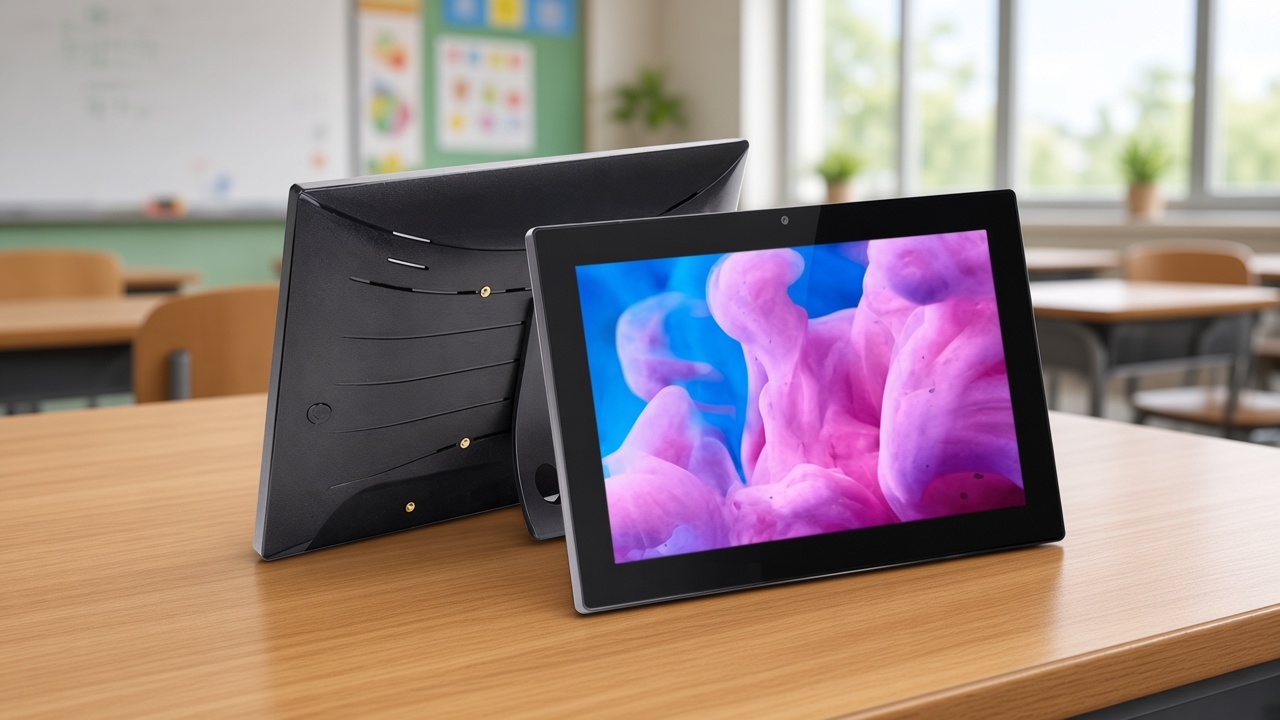
A personal Android tablet is designed around one account, a soft case and a charger on a nightstand. A school or store fleet is designed around many hands, a fixed place to live, and a support team that must make unit twelve behave like unit one. That is why commercial tablets emphasise brightness, ports, mounting points and an operating system IT can stage — not the thinnest possible bezel.
If the buying conversation starts with a festival discount on a consumer model, budget a second project for cases, carts, brackets and device management. Those costs arrive whether or not they were on the original quote.
Read the room before you read the spec table
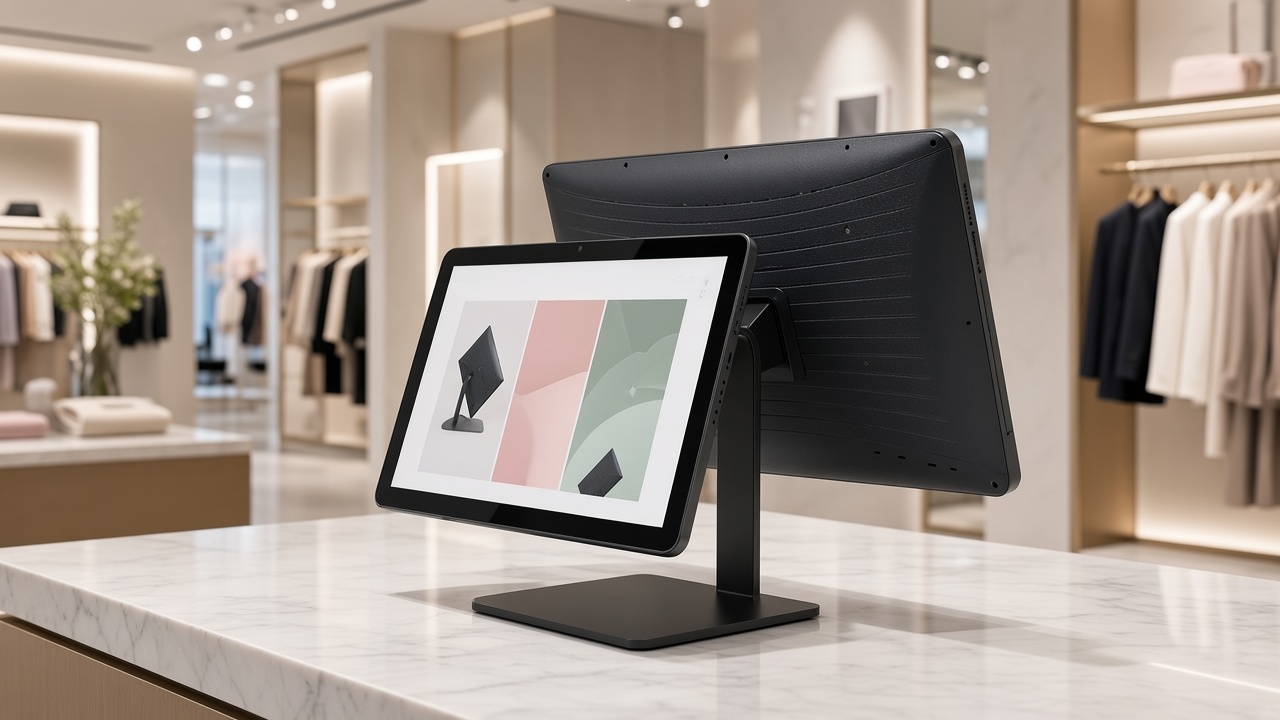
Stand where the tablet will actually be used. A 10.1-inch panel at roughly 500 nit stays readable on a bright classroom desk or a shop floor; a dim consumer panel does not. If the device will live on a counter or an arm, VESA 75×75 mounting and a real Ethernet or PoE option matter more than another hour of battery life. If teachers or associates carry it, then weight, a standard case and a charging routine matter more than PoE.
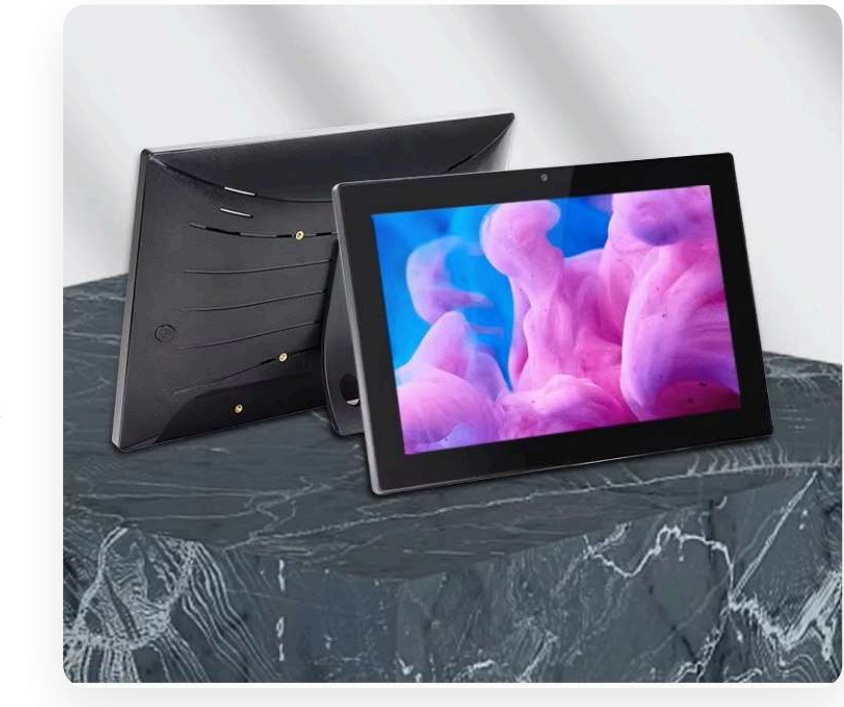
QPAD101 is specified for that commercial middle ground: 10.1" HD IPS at 500 nit, RK3566 or RK3568, Android 11 or 13, RAM and storage options, PoE and Ethernet, and VESA mounting. Use the brochure to choose a variant, then prove your heaviest app and your mount on a sample. The wider tablet program is where enrollment and accessories get planned with the hardware.
The fleet only stays boring if someone enrolls it
Shared tablets without a named enrollment owner become a collection of personal devices with your logo on the box. DCM or your existing MDM should lock the launcher, push the app set, and give support a way to see a unit that has gone quiet. Schools that also run classroom panels can use the same discipline described in our Android Enterprise note so tablets and boards do not grow two different support cultures.
Before the second carton arrives, write three sentences: who can wipe a device, where staged spares sit, and what happens when a screen cracks on a Saturday. Those sentences prevent most of the chaos people blame on “the tablets.”
Ten devices, then the standard
Run a ten-unit pilot with the real app, the real brightness, and the real charger or PoE drop. Time enrollment. Count the tickets. Freeze one accessory kit and one device profile. Scale that standard. Maram helps education and retail teams choose the tablet, the mount and the management path together so the second hundred units look like the first ten.
Related reading and solutions
Planning a classroom or retail tablet fleet?
Maram can help you match industrial Android tablets, MDM and accessories before you buy at scale.
Talk to Maram